7ju7 accepts deposits from every major mobile banking service used in Bangladesh. The minimum deposit is ৳400, and funds reach your playing balance in around 3 minutes. No bank card or crypto needed — just your phone.
Payment Methods at a Glance
All five methods listed below are instant or near-instant. Pick the one you use day-to-day — the process is similar for all of them.
- Method Min Deposit Credit Time Withdrawal Time
- bKash ৳400 ~3 minutes ~26 minutes
- Nagad ৳400 ~3 minutes ~26 minutes
- Rocket ৳400 ~3 minutes ~26 minutes
- Upay ৳400 ~3 minutes ~26 minutes
- Bank Transfer ৳400 ~3 minutes ~26 minutes
How to Make Your First Deposit
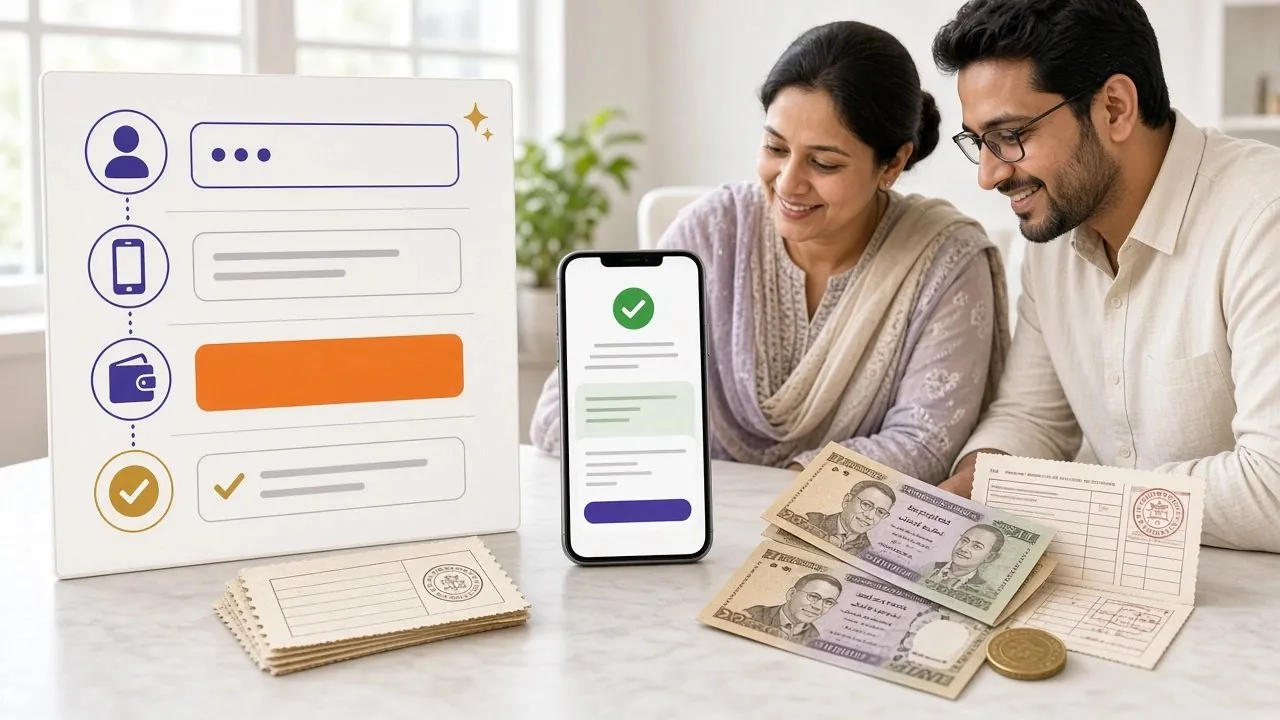
These five steps apply to every payment method. The method-specific instructions below go deeper on each app.
-
1
Log in to your 7ju7 account
Open 7ju7 Login on your phone or browser. If you do not have an account yet, register first — it takes under two minutes.
-
2
Open the Deposit section
Tap the wallet icon or "Deposit" button at the top of the lobby. You will see a list of available payment methods.
-
3
Choose your method and enter the amount
Select bKash, Nagad, Rocket, Upay, or Bank Transfer. Type the amount you want to deposit — minimum ৳400. The page will show you the current 7ju7 merchant number.
-
4
Send the payment from your mobile banking app
Switch to your bKash / Nagad / Rocket app. Send the exact amount to the merchant number shown. Copy the transaction ID (TrxID) before leaving the app.
-
5
Submit the TrxID on 7ju7
Return to 7ju7, paste the TrxID into the confirmation field, and tap Submit. Your balance updates within about 3 minutes. You will get a notification when it arrives.
bKash Deposit
bKash — Send Money to Merchant
- Open the bKash app on your phone.
- Tap Send Money.
- Enter the 7ju7 merchant bKash number shown on the deposit page (do not use any saved number).
- Enter the exact deposit amount (minimum ৳400).
- In the Reference field, type your 7ju7 username. This helps the team match the payment.
- Enter your bKash PIN and confirm.
- bKash will show a confirmation screen with a Transaction ID (TrxID). Copy it.
- Return to 7ju7, paste the TrxID, and tap Submit.
Nagad Deposit
Nagad — Send Money to Merchant
- Open the Nagad app.
- Tap Send Money.
- Enter the 7ju7 Nagad merchant number shown in your account's Deposit section.
- Type the amount (minimum ৳400).
- Add your 7ju7 username in the reference field.
- Enter your Nagad PIN and confirm the payment.
- Save the TrxID from the success screen.
- Paste the TrxID into 7ju7 and hit Submit.
Rocket Deposit
Rocket (Dutch-Bangla) — Send Money
- Open the Rocket app or dial
*322#. - Choose Send Money.
- Enter the 7ju7 Rocket merchant number from your 7ju7 Deposit page.
- Enter the deposit amount (minimum ৳400).
- Confirm with your Rocket PIN.
- Write down or screenshot the TrxID.
- Enter the TrxID on 7ju7 and submit.
Upay & Bank Transfer
Upay
- Open the Upay app and tap Send Money.
- Enter the 7ju7 Upay merchant number from the Deposit page.
- Enter the amount and your 7ju7 username in the note field.
- Confirm with your PIN. Copy the TrxID.
- Paste the TrxID into 7ju7 and submit.
Bank Transfer
- Select Bank Transfer on the 7ju7 Deposit page.
- 7ju7 will show you an account number and routing details.
- Log in to your internet banking or visit your branch.
- Transfer the amount and note your 7ju7 username in the reference.
- Enter the bank transaction reference number on 7ju7 and submit.
When Your Deposit Does Not Arrive
Most problems happen for one of these reasons. Check the table, follow the fix, and your balance should update without needing to contact support.
| Problem | Likely Cause | What to Do |
|---|---|---|
| Balance still shows zero after 10 minutes | TrxID was not submitted, or submitted incorrectly | Go back to the Deposit page, check your TrxID, and resubmit. TrxIDs are case-sensitive. |
| Transaction failed in bKash / Nagad | Wrong merchant number or insufficient balance including service charge | Reload the 7ju7 Deposit page to get the current merchant number. Top up your mobile wallet first. |
| "Duplicate TrxID" error on 7ju7 | The same TrxID was submitted twice | That TrxID is already counted. Check if your balance already updated. If not, contact [email protected]. |
| Wrong amount sent | Typing error in the wallet app | Contact 7ju7 live chat with the TrxID and amount. The team will reconcile it manually — usually within 30 minutes. |
| Sent to the wrong number | Used a saved / old 7ju7 merchant number | Contact 7ju7 support immediately with proof of transfer. Always use the number shown on that session's deposit page. |
| Deposit below ৳400 | Amount entered was under the minimum | 7ju7 will reject it automatically. Send at least ৳400 and resubmit. |
Make Your Deposit Count More
Your first deposit at 7ju7 qualifies for the welcome bonus. Here are the numbers you need to know before you deposit.
- Minimum Deposit
- ৳400
- Credit Time
- 3 min
- Withdrawal Time
- 26 min
- First Deposit Bonus
- 230%
Questions About Depositing at 7ju7
What is the smallest amount I can deposit?
How long does a deposit actually take?
Do I pay any deposit fee?
Can I deposit without submitting a TrxID?
I sent money to the wrong number. What now?
Can I use multiple payment methods in one account?
Is there a maximum deposit amount?
Will my deposit bonus apply automatically?
Need Help?
7ju7 support is online every hour of every day. If your deposit is stuck or you have questions not covered here, start a live chat. Have your TrxID ready.
- 24/7 Live Chat inside your account
- [email protected]
- Response within minutes, not hours
- SSL Encrypted
- 18+ Only
- 24/7 Support
- bKash
- Nagad
- Rocket
- Upay
- Bank Transfer
Ready to Deposit?
Open your 7ju7 account in two minutes, pick any payment method, and start playing with your 230% welcome bonus. Minimum ৳400 to get started.
Already have an account? Log in here to go straight to the Deposit page. · Questions about withdrawals? See the 7ju7 Withdrawal & KYC Guide. · 18+ · Play Responsibly. Gambling carries financial risk. Only deposit money you can afford to lose.